DMS – Intelligent Document Management System
In large organizations, document handling often becomes chaotic — scattered files, unclear ownership, and slow approval cycles. The DMS platform was envisioned to centralize document creation, approval, versioning, and CAPA (Corrective and Preventive Actions) management.
Core Problem
After conducting stakeholder workshops and user research with document controllers, QA teams, and compliance officers, several critical pain points emerged:
Fragmented workflows across document requests, edits, and approvals
No visibility into document version history or ownership
Manual CAPA tracking leading to delays and missed deadlines
Complex navigation resulting in low user adoption
Lack of analytics to monitor document health and performanceProject Process
UX Goals
Build a scalable design system ensuring visual and functional consistency
Simplify document lifecycle tracking from creation to closure
Integrate CAPA and edit request workflows into one unified dashboard
Enable quick access to metrics like document count, roles, and request status
Ensure a clean, modern, and responsive UI for all user roles (Admin, Reviewer, Creator)
My Design Process
1. Discovery & Research
Conducted contextual inquiries with QA and compliance teams
Mapped the complete document lifecycle — creation → review → approval → CAPA → archive
Compared competitor DMS tools (Zoho WorkDrive, M-Files, DocuWare) to identify UX gaps
2. Information Architecture
Defined key modules: Dashboard, Documents, Edit Requests, Roles, CAPA, Reports
Created user flow diagrams for each role (Admin, Reviewer, Creator)
Designed navigation hierarchy for fast, role-based task access
3. Wireframes & Prototyping
Created low to high-fidelity wireframes in Figma
Designed interactive prototypes to test workflows
Validated usability through internal testing and feedback sessions
4. Key UX Features Designed
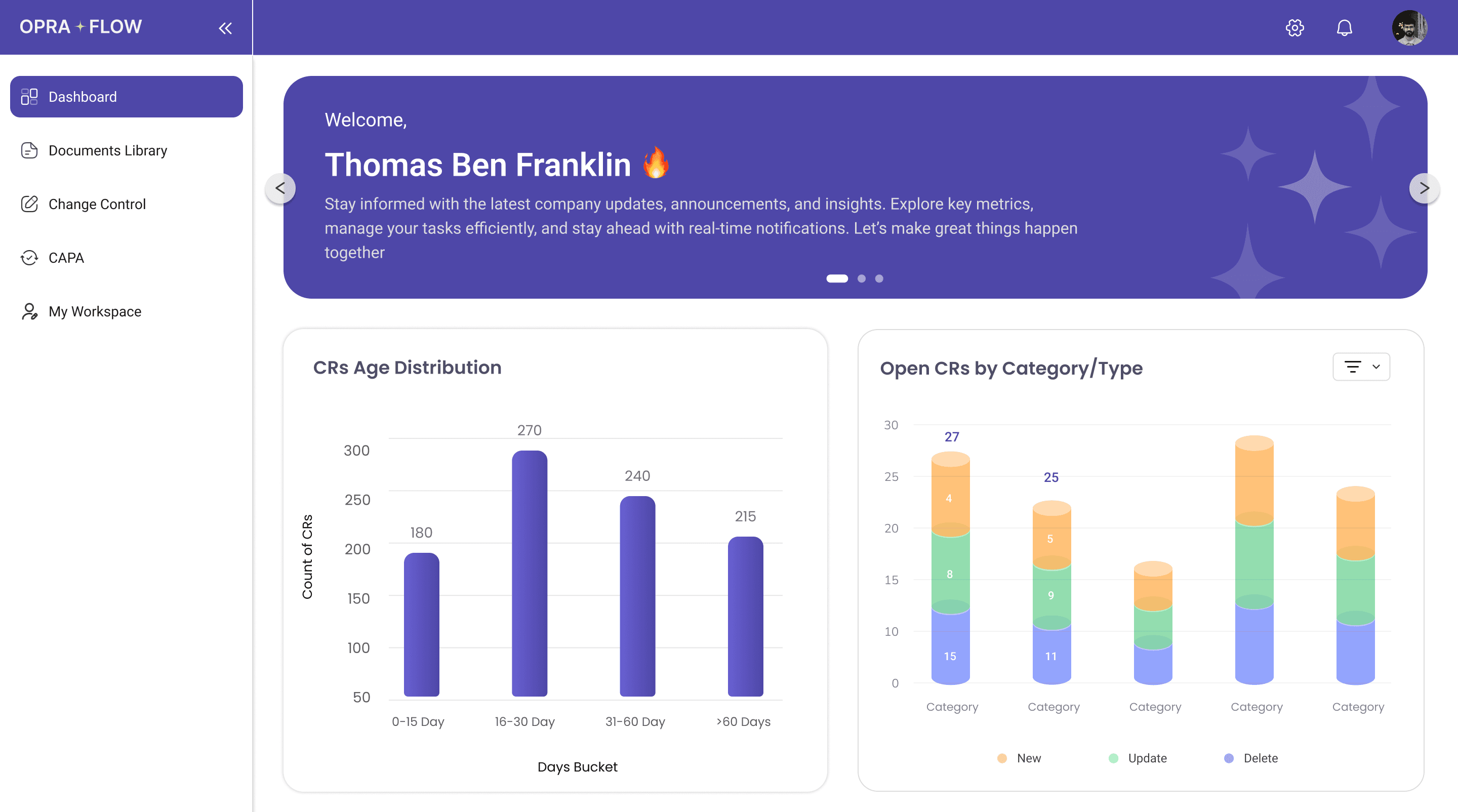
Dynamic Dashboard: Displays total documents, pending edits, CAPA alerts, and role summaries
Smart Document Cards: Quick access to version, owner, and last update
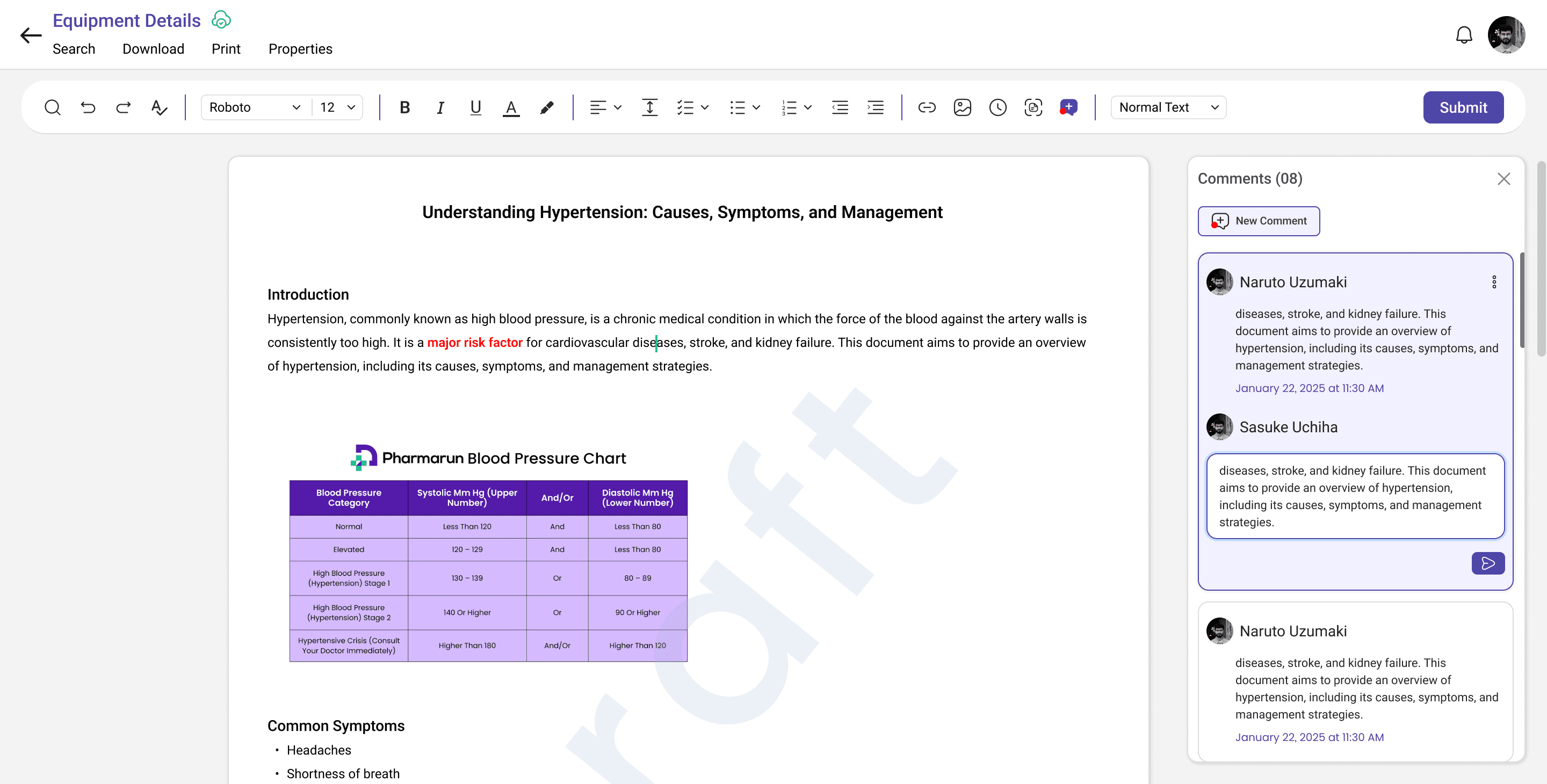
Edit Request Flow: Streamlined multi-level approval with status tracking
CAPA Tracker: Real-time corrective action insights with color-coded priority indicators
Role Management Panel: Easy role assignment and permission mapping
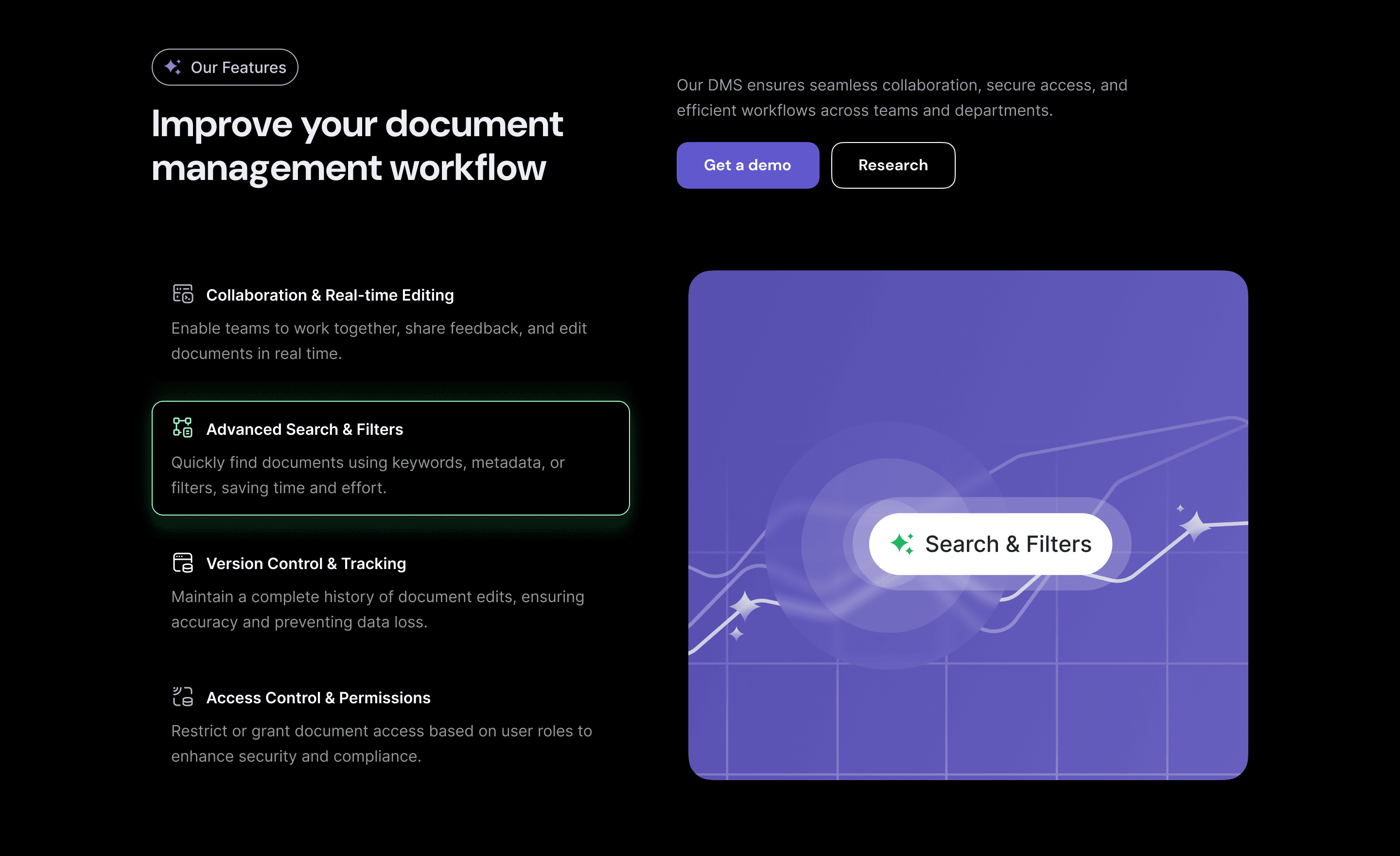
Search & Filters: AI-based document search with advanced filters (owner, date, category)
Results & Impact
40% reduction in document retrieval time post-launch
Improved accountability with clear ownership and CAPA traceability
Higher user adoption due to simplified navigation and clean visual hierarchy
Faster review cycles through automated edit request notifications
Error rates dropped by 25% in document version handling
What I Learned
Designing for enterprise-scale systems requires balancing complex logic with visual simplicity
Users prefer clarity over decoration — transparency in workflows builds trust
Integrating small features like CAPA color coding and quick action cards drastically improves usability
Project Takeaways
This project strengthened my skills in designing data-dense admin dashboards, managing role-based UX flows, and creating systematic design systems for scalable enterprise products.
I also gained deeper insights into how documentation compliance and CAPA processes can be humanized through thoughtful UX.